
Keep the detail
Soft hair. Sharp products. Clean transparent edges.
Private beta · 100 full-res images a month
Remove image backgrounds online with clean edges for hair, products, and glass. Refine the mask and export PNG, WebP, JPEG, ZIP, or PSD.
Get 7 free previews a day without an account. Files expire after 24 hours.
01Clean hair, fur, glass, and product edges
02Fair processing for every workspace
03Web, API, Telegram, and Photoshop
BEFORE / AFTER
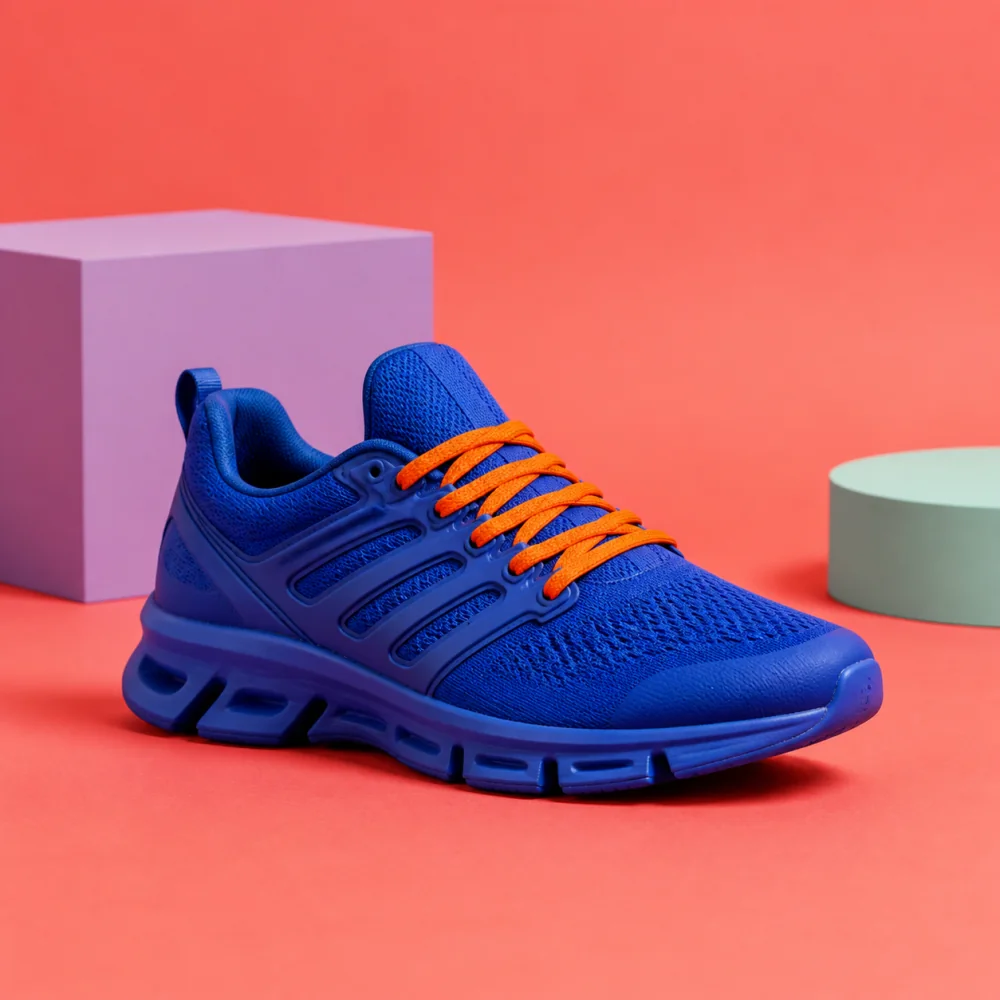
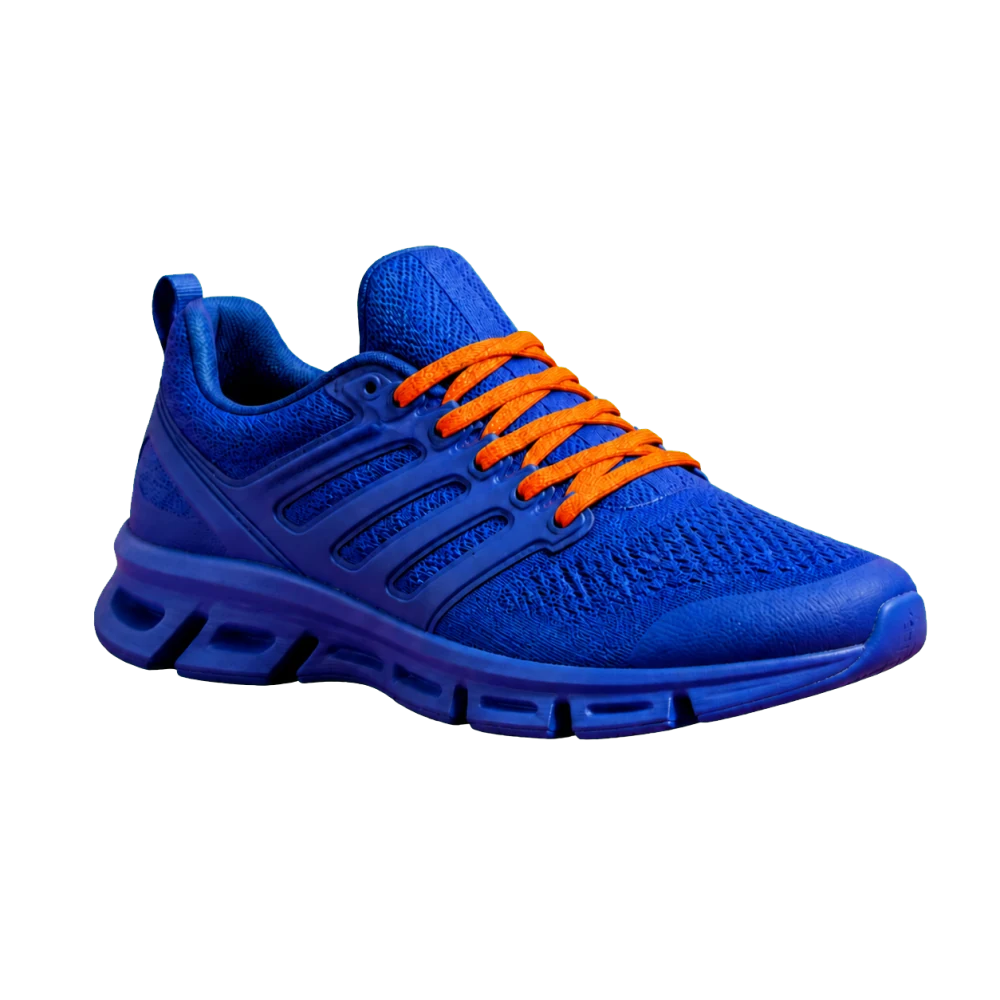
Drag the divider to inspect the clean product edge. The result is ready for a new background, a catalog, or your next layout.
 AFTER
AFTERFix the edge once. Export PNG, WebP, JPEG, color + alpha ZIP, or layered PSD whenever you need it.
Soft hair. Sharp products. Clean transparent edges.
Restore, erase, crop, position, and undo. Your original never changes.
Work in the browser, API, Telegram, or Photoshop.
blankground turns a source photo into an editable mask instead of a one-off cutout. Remove the background from product photography, portraits, marketplace listings, campaign assets, and catalog images while keeping the original file intact.
Apply the same crop, canvas, background, shadow, format, and quality across every SKU.
Preserve soft hair and clothing detail, then restore or erase only where the mask needs help.
Use the same removal engine in the web app, a batch, the API, Telegram, or Photoshop.
Export transparency for design, a clean white or colored background for marketplaces, compact WebP for the web, or layered PSD for a final manual pass. For repeat work, save the settings as a preset and process up to 100 files in a batch. Developers can submit images by URL or file and continue through a webhook.
Learn about batch background removal, review the background removal API, or see the pricing and free preview limits.
Save crop, position, shadow, background, format, and quality as a preset. Reuse it whenever the catalog changes.
Choose the browser, URL, API, bot, or Photoshop.
Fix the mask and frame the subject.
Download the file or continue through a webhook.
BLANKGROUND / FAQ
READY WHEN YOU ARE